Blog
Summer storms and the irrigation system: what to explain to the customer before they call
16 July 2026
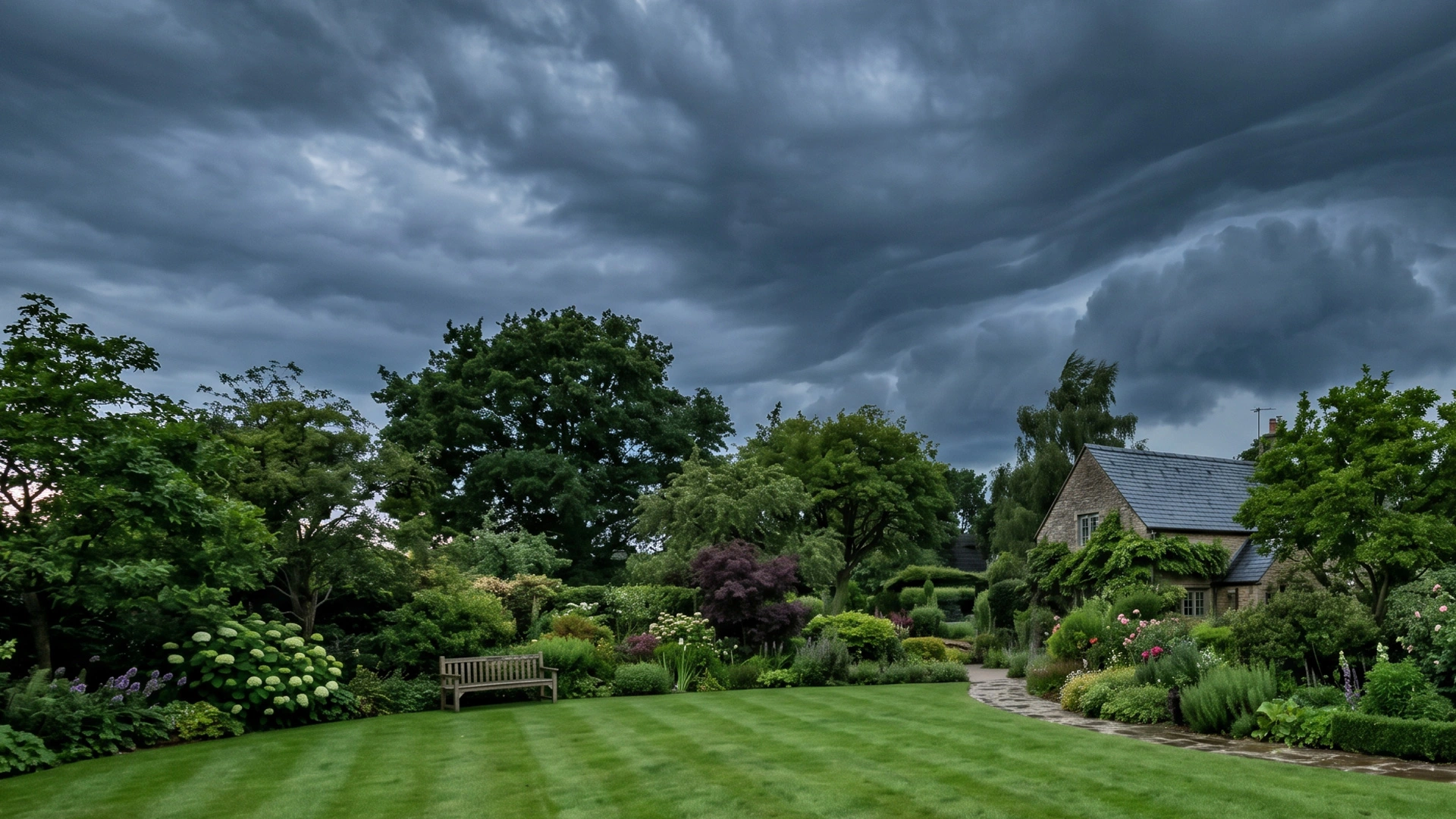
It happens often: the first summer storm or a sudden downpour arrives, and the customer calls because the system won’t start, the app shows a pause and they don’t understand how to handle the situation. In reality, in most cases there is no fault. The problem is that the customer doesn’t know what to expect when summer storms hit the irrigation system. That’s why, before summer or a spell of unsettled weather, it’s worth taking a few minutes for a practical explanation: what can happen, what they can check themselves, and when they should call instead. Fewer unnecessary call-outs, fewer misunderstandings, more confidence in the work done.
“Why does the system stop after a storm: is that normal?”
The first message to give the customer is simple:
“If it rains heavily, even in the middle of summer, the irrigation system may automatically pause irrigation because it’s working correctly.”
With a rain sensor such as Rain’s Acqua Vision or Acqua Click, irrigation is interrupted during or after a rain event to avoid waste when the soil has already received water. Before getting worried, the customer should check whether the sensor is still active or a weather pause is in place.
Rain sensor and summer storms: what the customer needs to know
The customer doesn’t need to understand how the sensor works technically. What they do need to know is that, after a storm, the system may not restart straight away, even if it’s very hot. You can explain it like this:
“The rain sensor is there to stop the system when it has rained. After a storm, irrigation may not restart immediately: the sensor needs to dry out first, and then the system returns to its normal programme.”
It’s also worth clarifying that the sensor doesn’t directly measure how much water is in the soil. Restart depends on the sensor, the controller and the programming set.
Weather pause: what to say if the system is connected
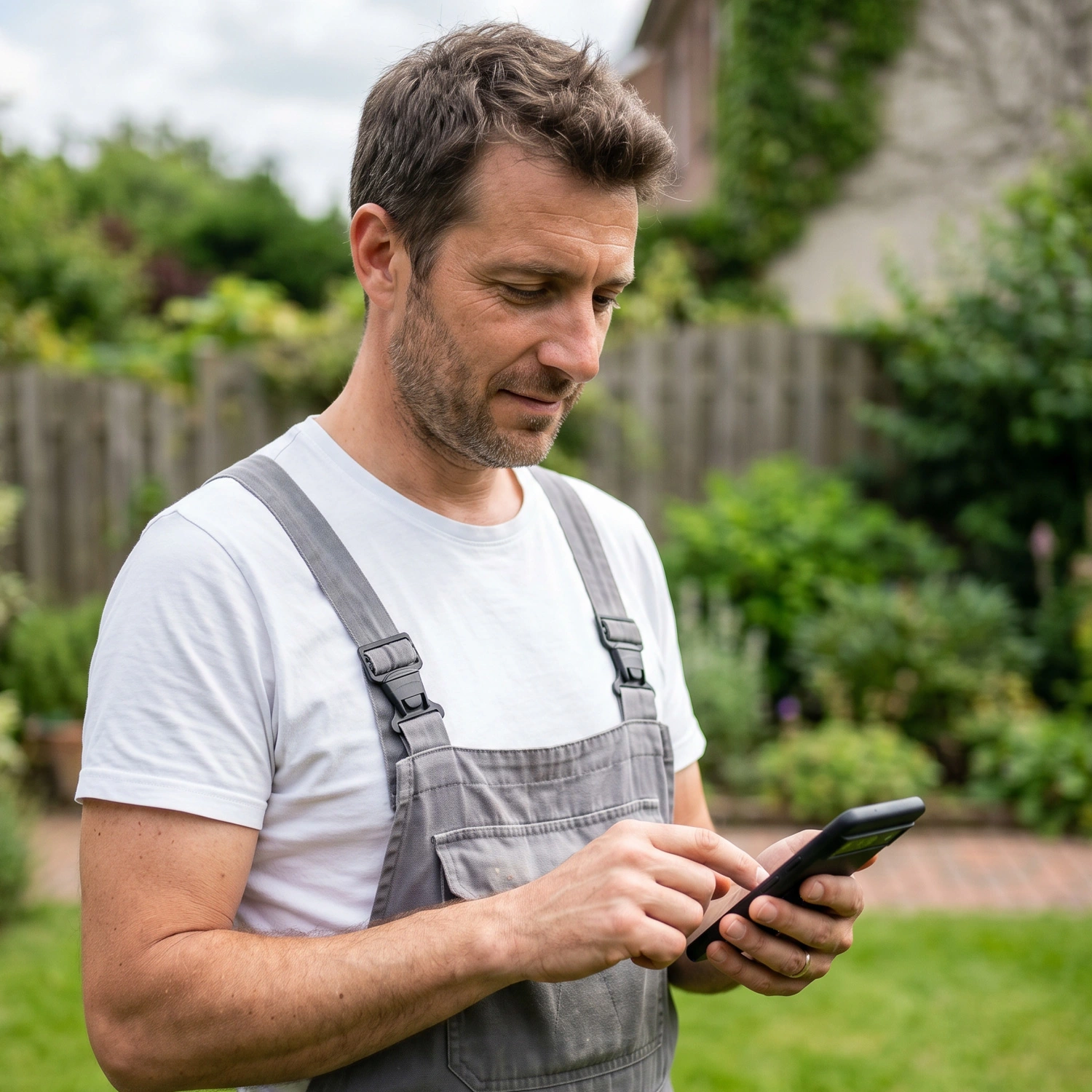
If the system uses compatible Vision devices, such as Nuvola WiFi Vision or Nuvola Cell Vision, the weather pause may also come into play – a function of the Vision App that automatically suspends irrigation based on local weather forecasts.
The explanation to give is the following:
“If the app shows a weather pause, don’t switch the system back on straight away. The controller suspends irrigation to avoid waste and then automatically returns to the programme.”
A rain sensor and a weather pause aren’t the same thing, but for the customer the behaviour to follow is identical: don’t force manual irrigation straight after a storm. It doesn’t matter if the warm weather has already returned.
What the customer must NOT do during the event
During a downpour, or immediately after intense rain, the customer must not run tests on the system. Better to be clear: they must not open valve boxes, touch controllers or wet connections, remove sensors, or start manual cycles “just to see if it works”. Nothing should be done during the event. Wait until the situation has settled.
What can be checked after rain or a downpour
After a violent storm, the customer can only carry out simple, safe checks.
They can:
- check in the app whether the rain sensor shows as active, or a pause or weather pause appears;
- check whether the ground is still very wet;
- visually check for any sprinklers that are tilted, broken or covered in mud;
- remove leaves or small debris only if they are easy to reach;
- take photos or videos of any doubtful areas to send to the installer.
These checks help the installer understand whether it’s a normal system suspension or whether a call-out is genuinely needed.
When the customer really needs to call
To cut down on unnecessary calls, the customer needs clear criteria.
They should contact the installer if they notice:
- water still coming out even with the system off;
- valve boxes full of water;
- sprinklers that are broken, raised or out of position;
- areas of the lawn washed away by water;
- a rain sensor that has fallen, moved or been damaged;
- a device offline that doesn’t come back online.
This way the customer doesn’t call as soon as it stops raining, but only when they see a concrete sign.
The ready-to-send message for the customer
Here is a practical text that the installer can send via WhatsApp before a period of storms.
“Very heavy storms are forecast over the coming days. If the system doesn’t start after the rain, don’t worry: the rain sensor or the weather pause may automatically suspend irrigation. Don’t start manual cycles and don’t open valve boxes or controllers after the storm. Check in the app whether an active sensor or weather pause appears. If you notice leaks, valve boxes full of water, damaged sprinklers, or if the system doesn’t restart after the normal drying time, send me photos or a video and I’ll check it.”
Fewer calls, more control
An informed customer calls less, and calls better. For the installer, this means fewer unnecessary interruptions, fewer urgent issues to filter, and more orderly management after the event. It only takes a few minutes before bad weather to avoid misunderstandings afterwards: the customer stays calmer, and the installer works better, even during the most unsettled periods.
Discover the latest innovations
in irrigation systems!