Blog
Account Vision Rain: professional system management for installers
30 July 2026
For an installer, a smart system is far more than a controller connected to the Internet. It’s a system that needs to be configured optimally, handed over clearly and, when needed, managed even after installation.
The Rain Vision account responds exactly to this need. The account’s dedicated functions make it possible to work with greater control, simplifying handover to the customer while offering more precise support over time.
A real advantage for those who install irrigation systems, but also for gardeners, landscape maintainers, designers and professionals who look after private, condominium or commercial green areas.
System function: organise all your job sites from your Vision account
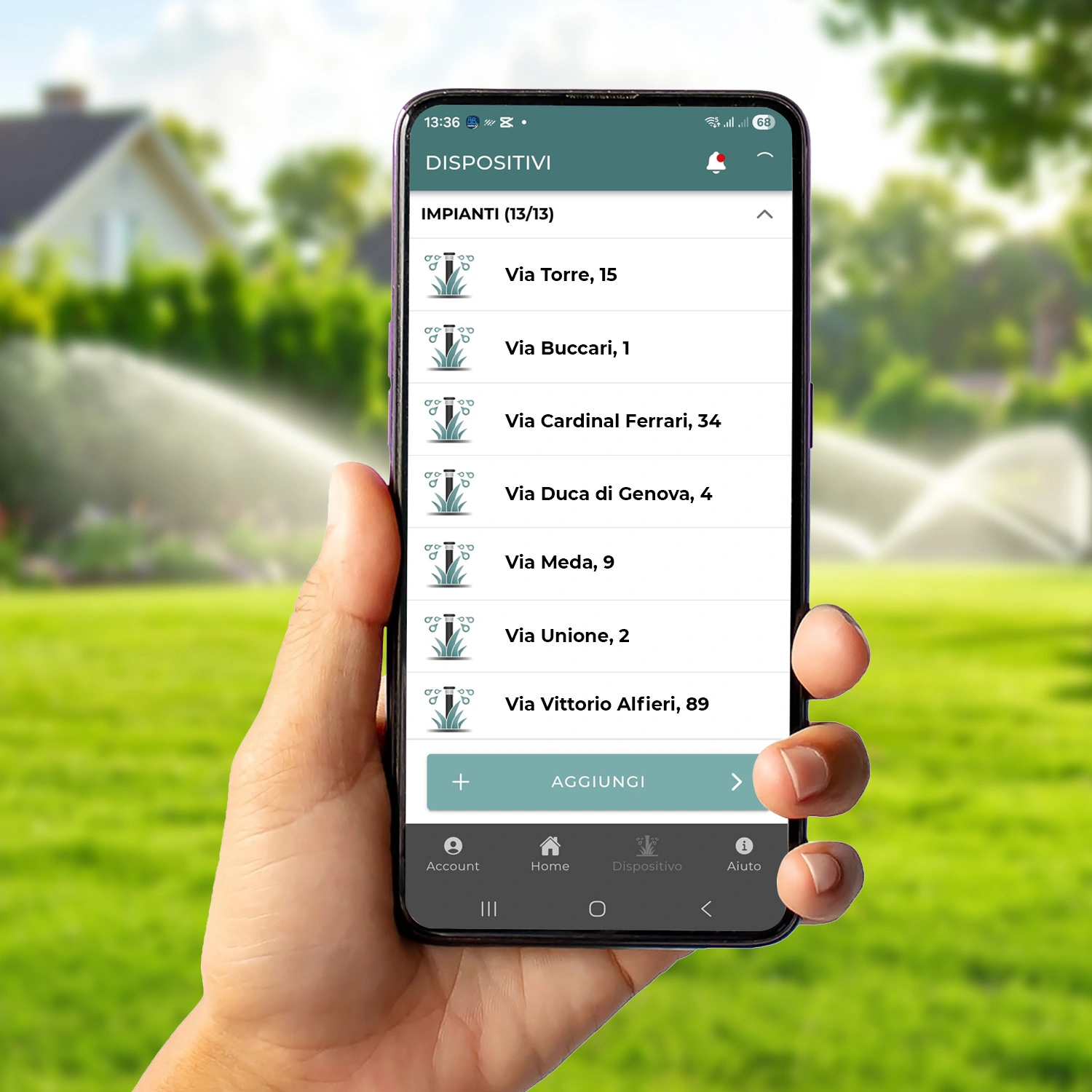
The System function of the Vision App makes it possible to group and manage the Internet-connected devices in a garden more simply and intuitively. It means having a more orderly view of the system and working with greater clarity, especially when there are many irrigation zones or the job involves complex settings.
In condominium gardens, private villas or corporate green spaces, this organisation helps avoid confusion between devices, areas and programmes. The Rain Vision account thus becomes the single reference point for every system being managed: each job has its own clear, easily accessible space.
A more professional way to work with the customer
One of the most important points, for those who install and look after systems over time, is access management.
With the Rain Vision Account, the system can be shared with the customer. The installer can then support system management without entering the customer’s private account.
It’s an operational detail, but it makes a big difference to the professional relationship.
The customer keeps control of their own account. The installer can act in a more orderly way. Management becomes more secure, clearer and better suited to a professional service.

The Share function simplifies post-installation support
After installation, the customer may need a change to the programming, a check, or a small intervention on system management.
The Share function is available for Vision systems fitted with Nuvola and lets the professional centrally monitor and manage all their customers’ systems directly from their own Rain Vision account.
Here’s how it works in practice:
- The customer goes to the Settings menu in the Vision App
- Selects the Share System option
- Enters the professional’s e-mail address and account code
- The installer finds the system directly in their own account, with no password exchange
As we know, time lost managing information in a disorganised way becomes a cost. The advantage here is twofold: the customer never shares their personal credentials, and the installer doesn’t have to start from scratch every time they step in. For gardeners and maintainers who look after the same green space throughout the year, it’s an even more valuable tool: seasonal adjustments become easier and the customer feels they’re getting continuous service.
The Transfer function makes handover clearer
Another important step is handing the system over to the customer.
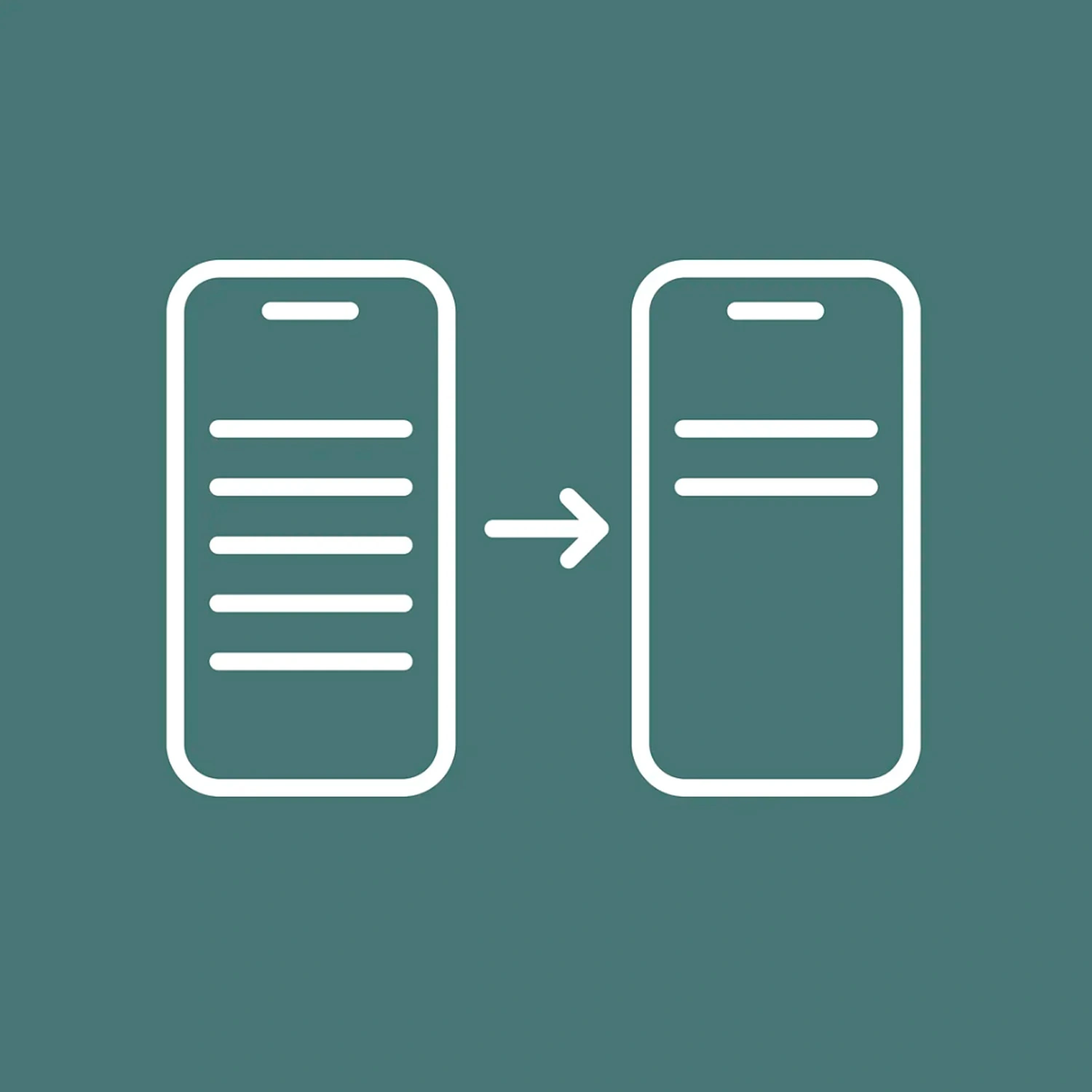
With the Transfer function, once the system has been configured via smartphone, the installer can transfer configurations and settings directly to the customer’s account, without having to repeat the operations on the end user’s device.
This function guarantees three concrete advantages:
- Time saving: no duplication of configuration tasks
- Customer privacy: the customer doesn’t need to share their device or login credentials
- Professional handover: the system is delivered already configured, ready to use and easy to manage
It’s the ideal function when the installer handles the first activation and wants to leave the customer with a system that’s already ready, without improvised workarounds or credential sharing. Particularly useful in condominium and business settings, where privacy and separation of access are important requirements.
Share or Transfer: when to use one and when the other
The two functions are complementary and address different moments in the work:
- Transfer is used at the end of installation: the installer has configured everything on their own account and transfers the system to the customer. From that point on, the customer manages day-to-day operation independently.
- Share is used after handover, when ongoing support is needed: the customer shares access with the installer or maintainer for specific interventions, seasonal adjustments or remote checks.
In many cases the two functions are used in sequence: the system is transferred at handover, and the customer subsequently activates sharing for continued support.
The Vision account as a working tool
For an end customer, the Vision app is there to manage irrigation simply. For an installer, however, the Rain Vision account also becomes a working tool.
It allows systems to be configured, organised, shared and transferred with greater control. It helps keep the relationship with the customer more orderly. And it makes it easier to offer support even after the first installation.
This is where Rain’s Vision adds value to the professional’s work: not only in smart irrigation management, but in all customer support, over time.
Discover the latest innovations
in irrigation systems!